2 free try-ons a day · no sign-up
AI Clothes Changer & Virtual Try-On
Add a photo of yourself and a picture of the clothes. In about 30 seconds you get a photo of you wearing them, so you can decide before you order.
- 1Photos
- 2Try on
- 3Result
Styling your look… this takes about 30 seconds.
Try a ready look
Tap any item to load it, then add your photo.
Before and after
Dresses, length and all
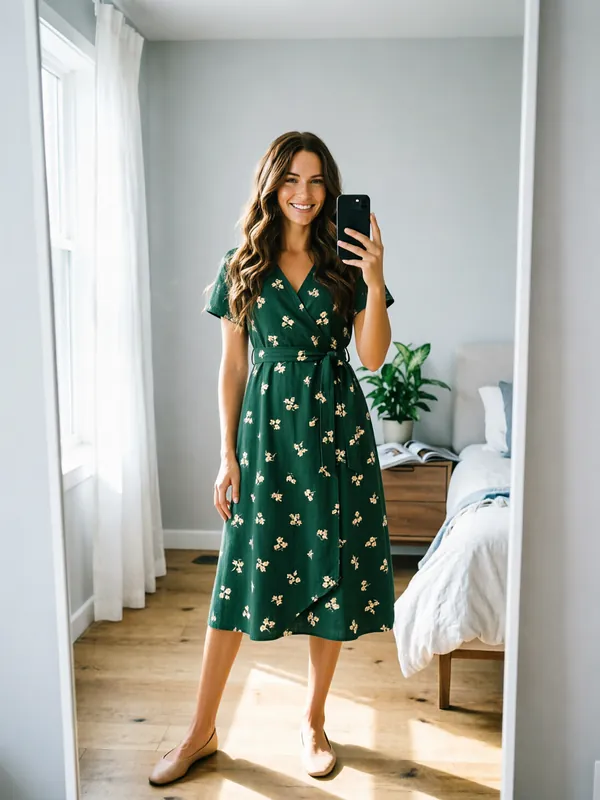
A wrap dress replaces the whole outfit. The print, the belt and the midi length come along.
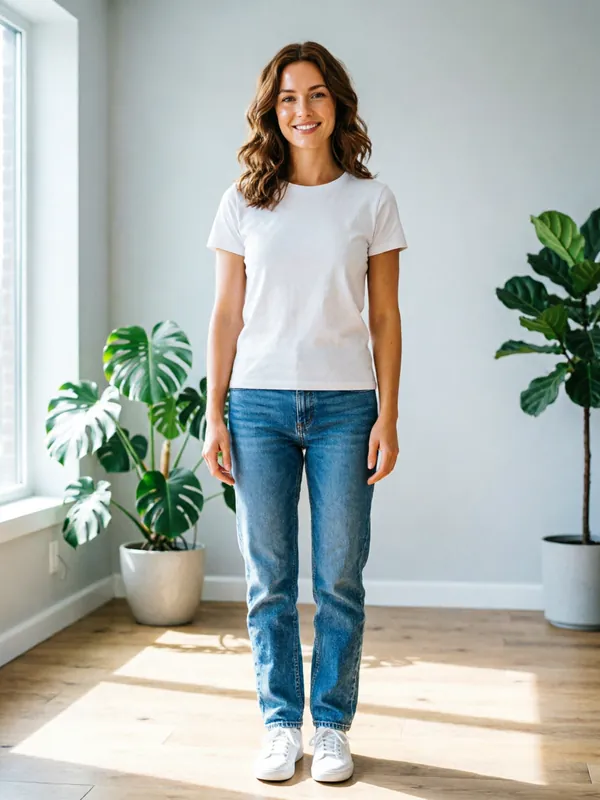
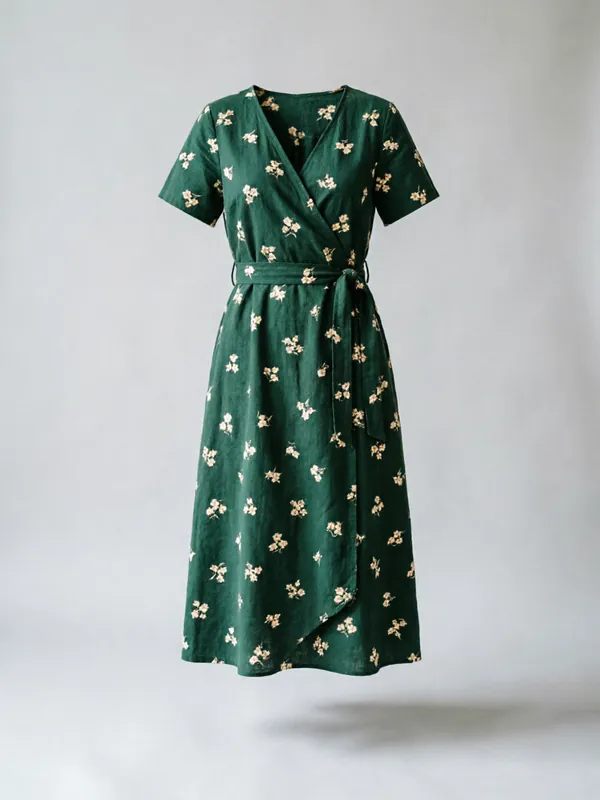
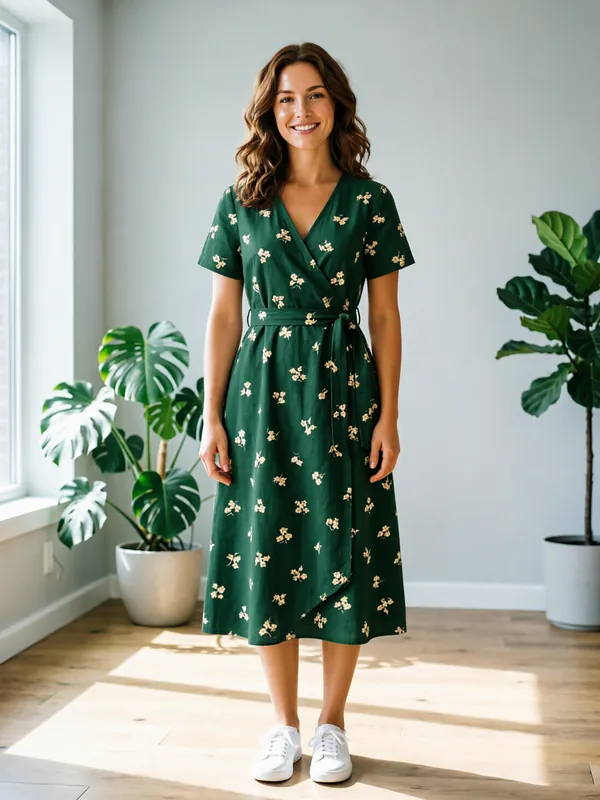
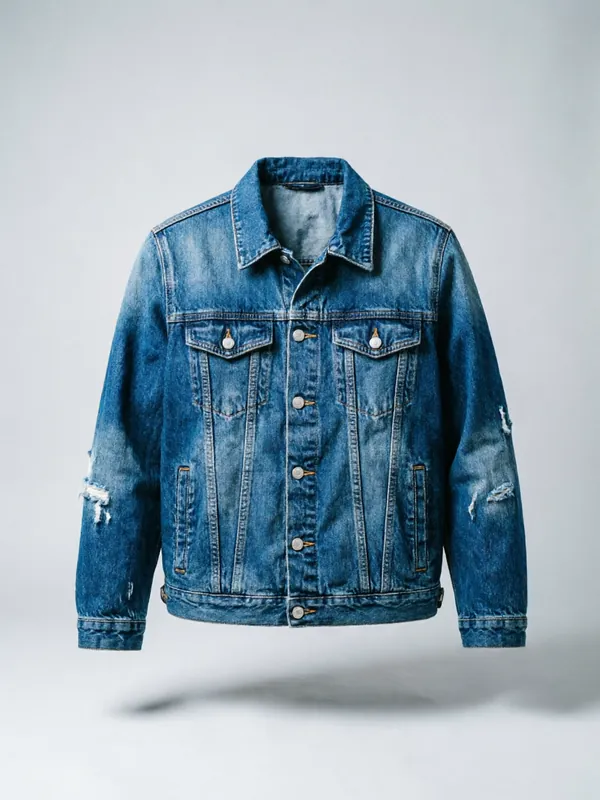
Two pieces at once
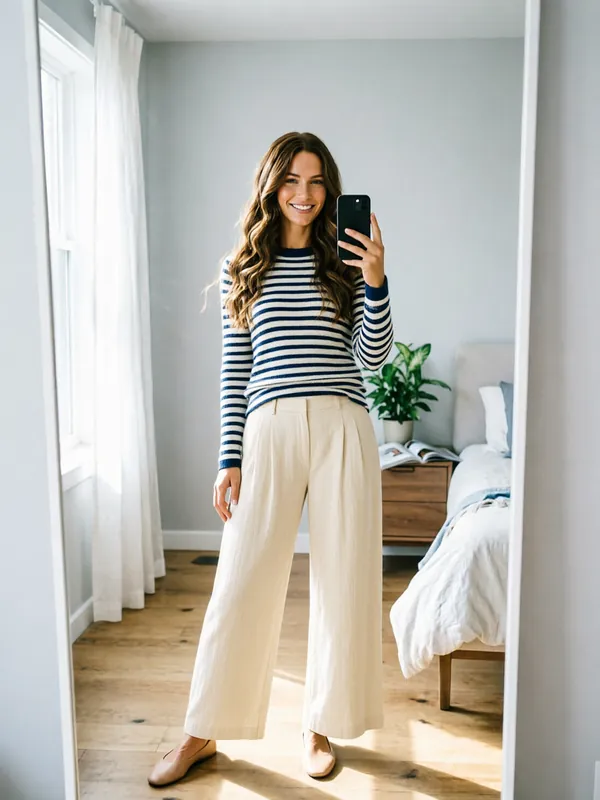
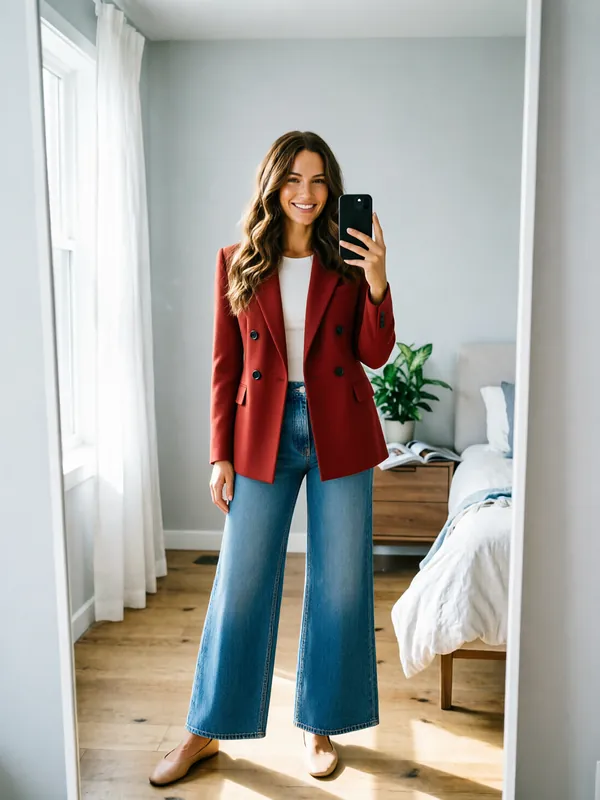
Add a top and a bottom, or a T-shirt and a jacket, and see them together.
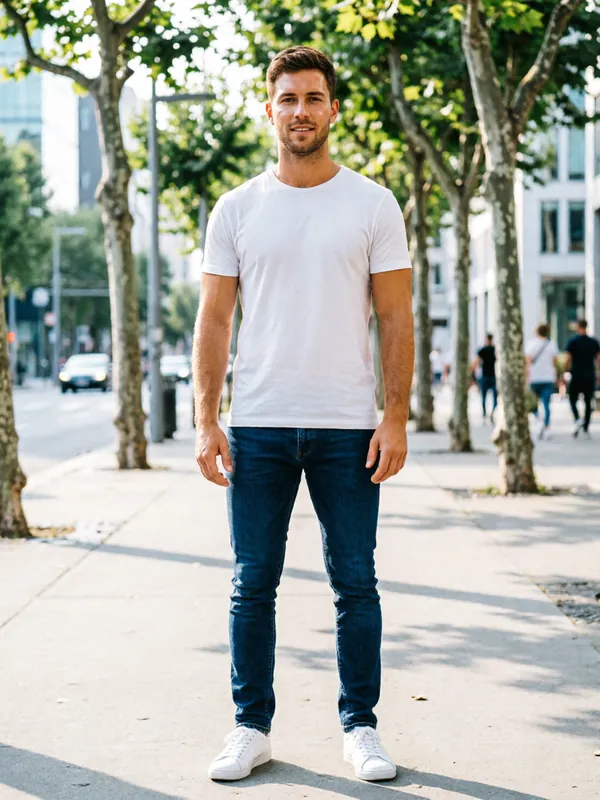
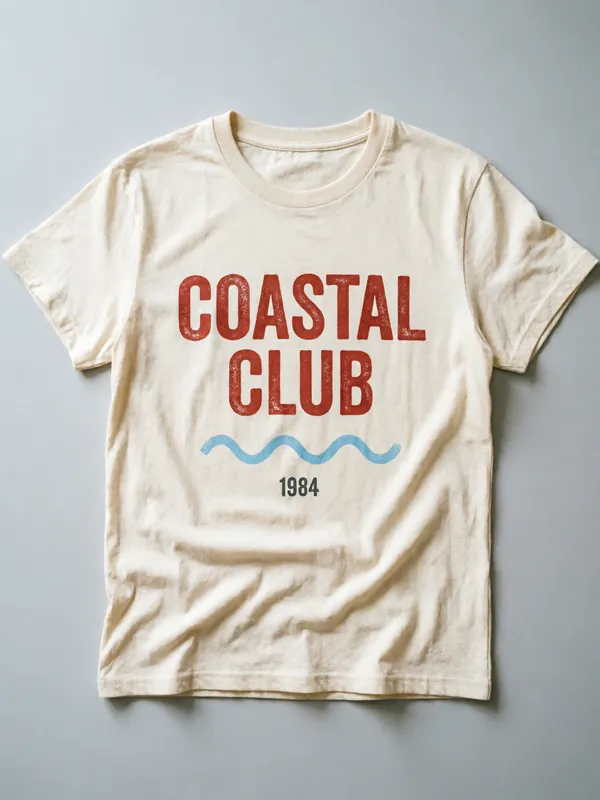

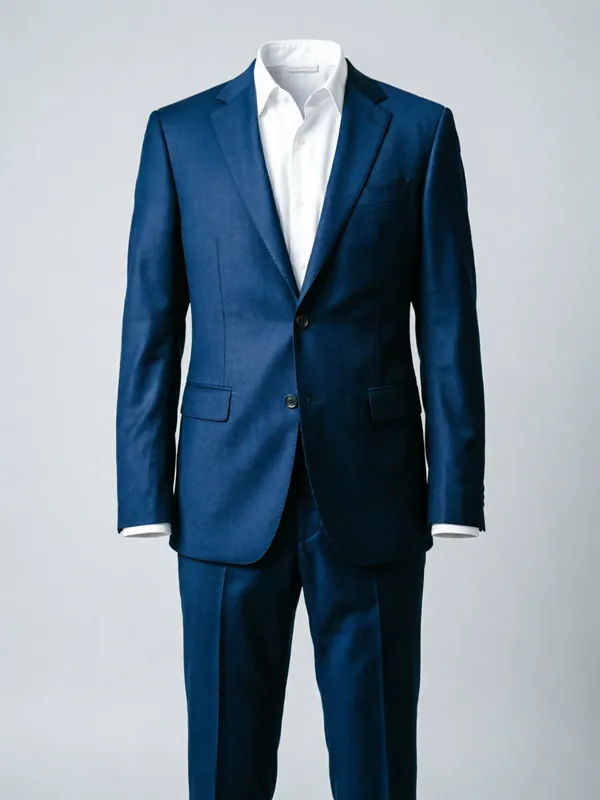
Suits, before you rent or buy
One picture of a suit is enough to see how it looks on you.
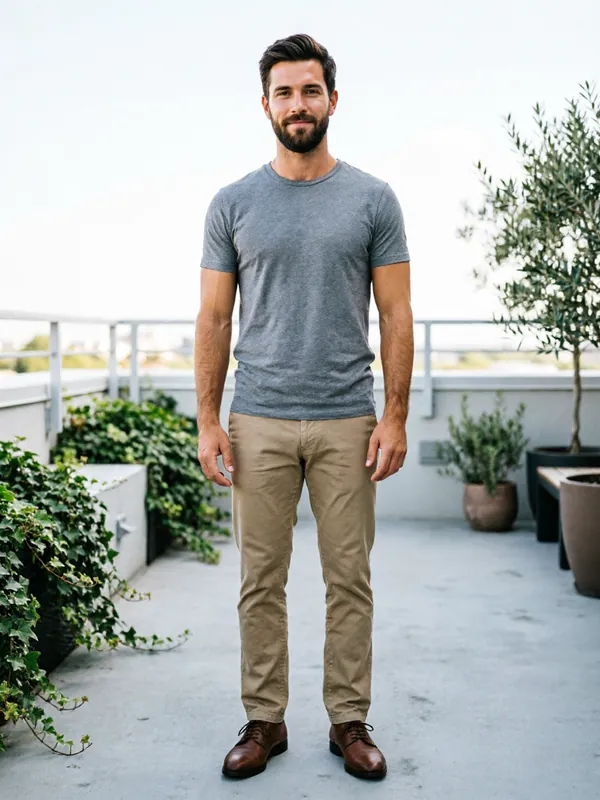

A full outfit, head to toe
Studio puts up to 6 items in one look: top, trousers, coat, hat, shoes and bag. Comes with any pack.
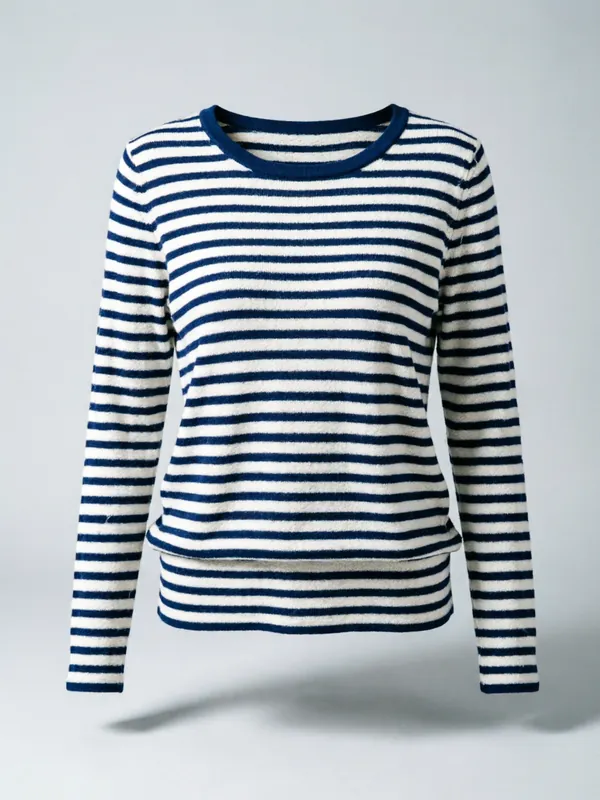
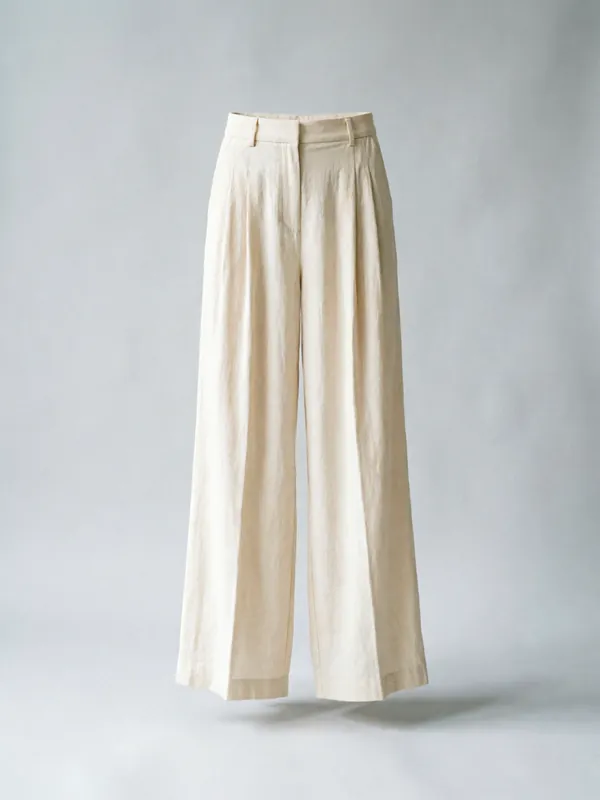
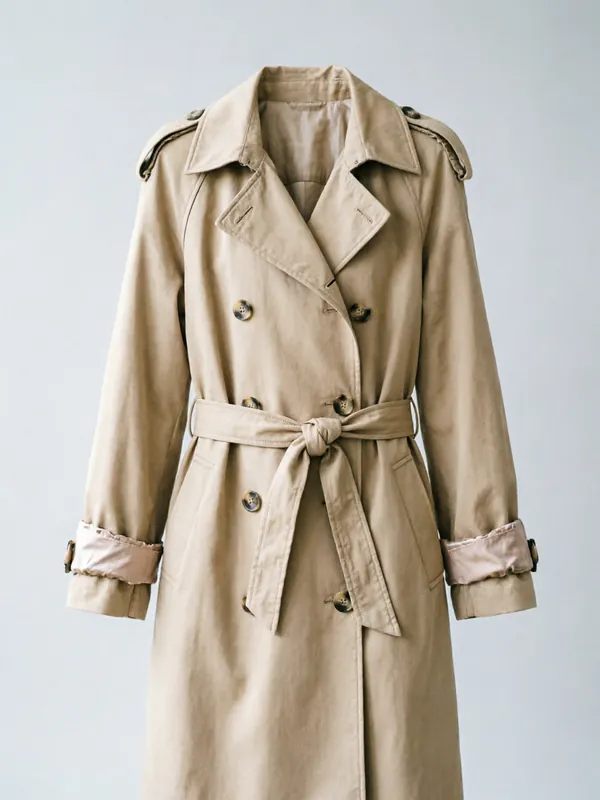
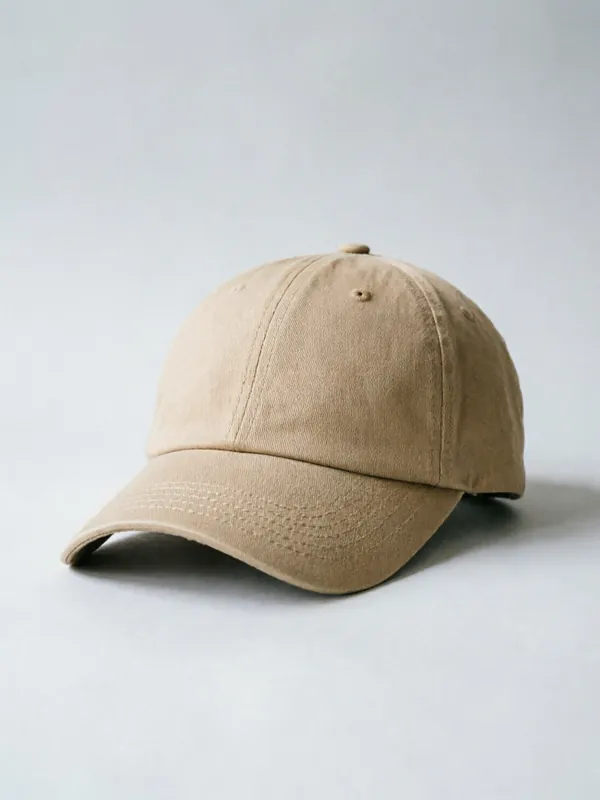
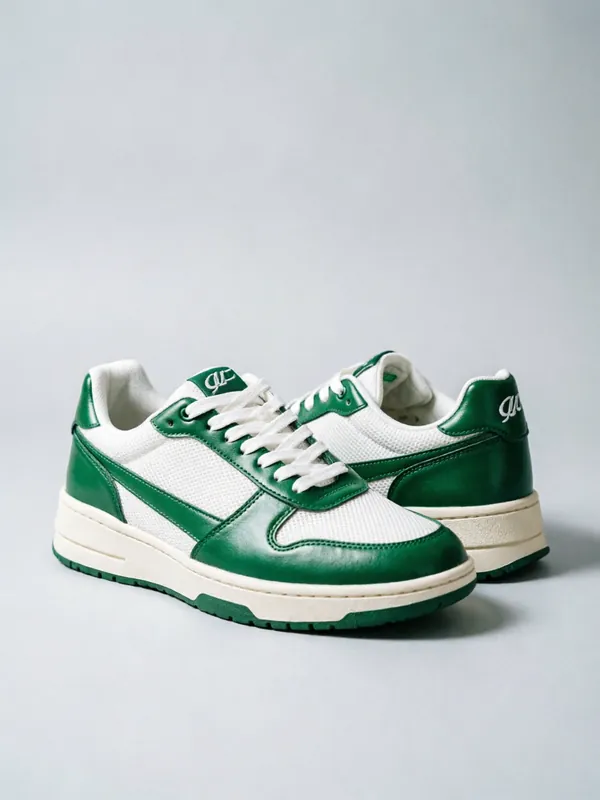
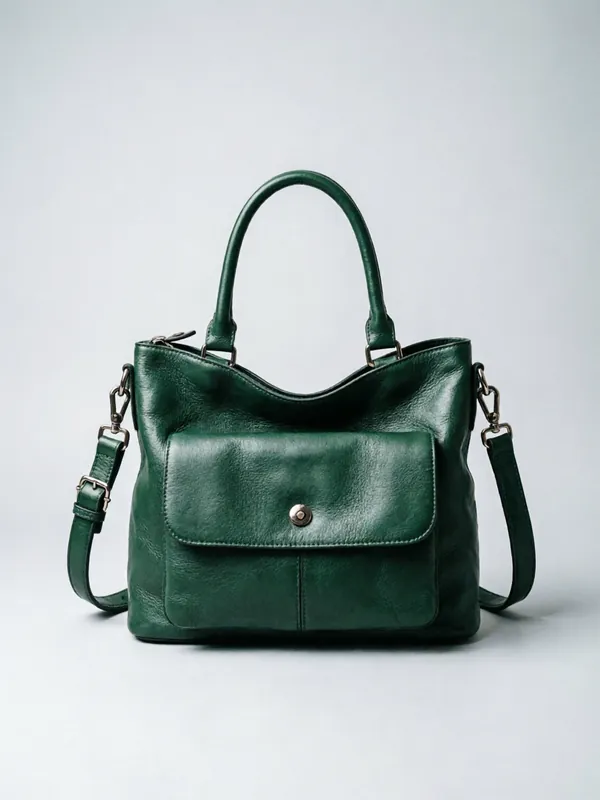
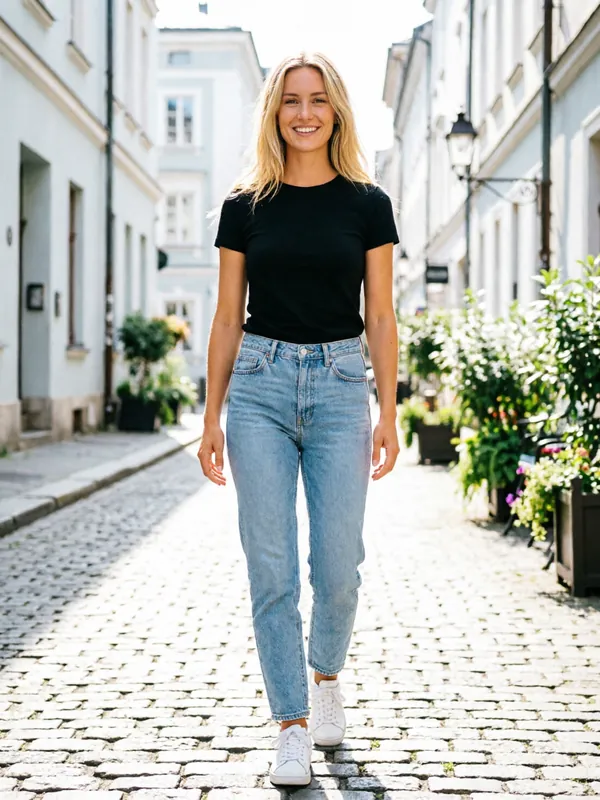
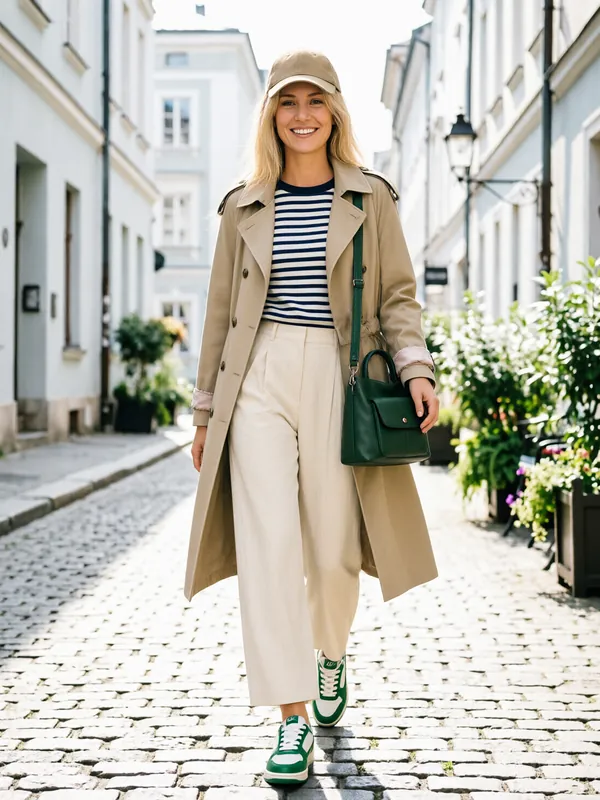
Made with our own tool. The people are AI-generated.
How to use the AI clothes changer
1Add your photo
A clear, full-body photo of you facing the camera. Good light helps.
2Add the clothes
Screenshot a product photo, snap a garment laid flat, or pick a ready look.
3See it on you
Get a realistic photo of you wearing it. Download it or try the next item.
Change clothes in a photo with AI
The AI clothes changer swaps what you're wearing and is built to leave the rest of the picture alone.
Swap one piece
Add a top and only the top changes. Your jeans, shoes and accessories stay. The same goes for a skirt, a pair of trousers or a jacket.
Swap the whole outfit
A dress or jumpsuit replaces everything it covers. For an AI clothes swap with separate pieces, Standard takes 2 items and Studio takes up to 6.
Keep everything else
Your face, hair, body shape, pose and background are meant to stay as they are in your photo. There is nothing to cut out, mask or describe in words.
Try on clothes before you buy
A product page shows the clothes on a model who may be taller, shorter or built differently from you. A virtual try-on starts from your own photo instead. Take a screenshot of the item in almost any online store, add it here, and you can see how the color and style look on you. Treat the length as a guide: the real hem can differ a little.
It also helps when you are choosing between two or three options. Keep the same photo, change the clothing picture, and compare the results side by side. The preview can't tell you which size to order, so check the store's size chart as well.
Who uses our virtual try-on
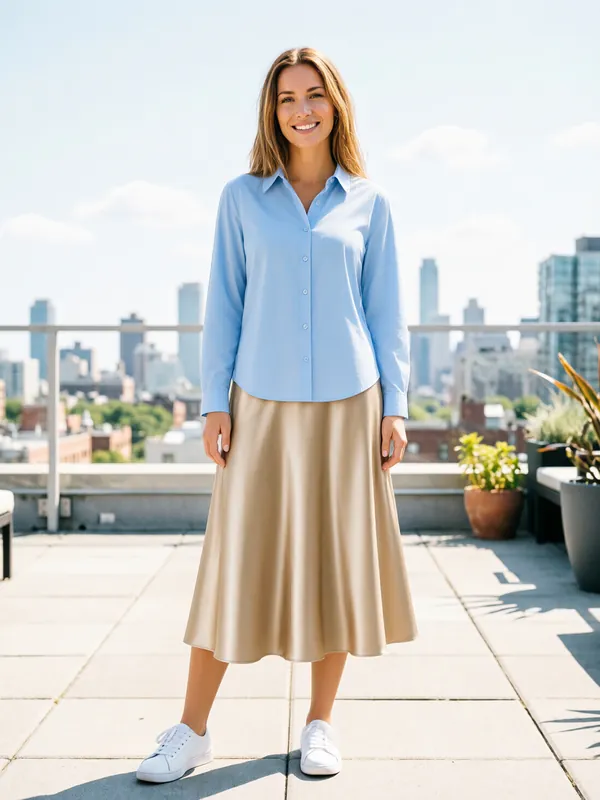
Online shoppers
Check how a dress or jacket looks on your own body before you order.
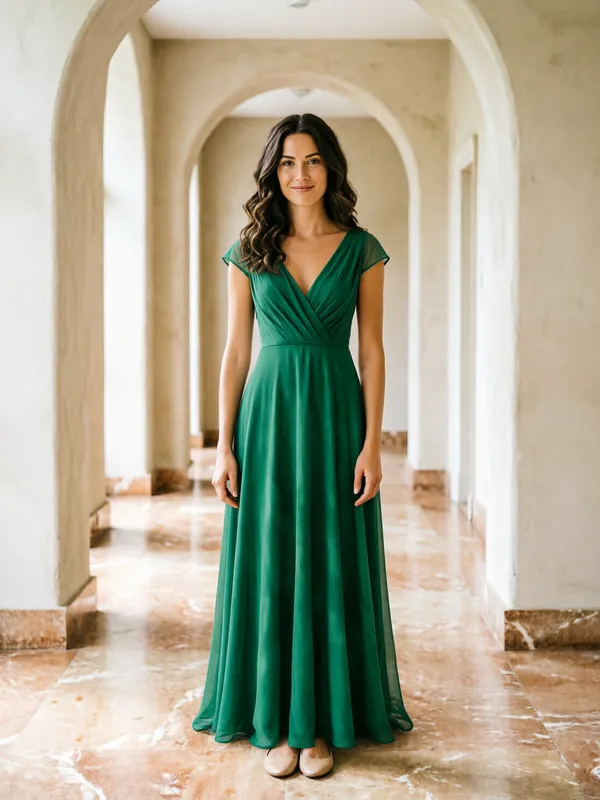
Event outfits
Wedding guest, job interview, graduation: try a few options before you decide.
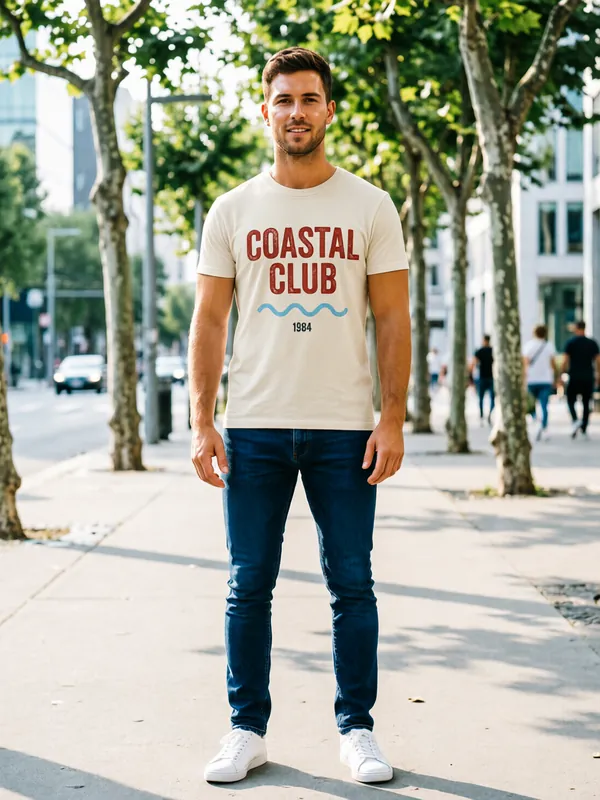
Clothing sellers
Turn a flat-lay product photo into an on-body preview to show customers.
Look closer
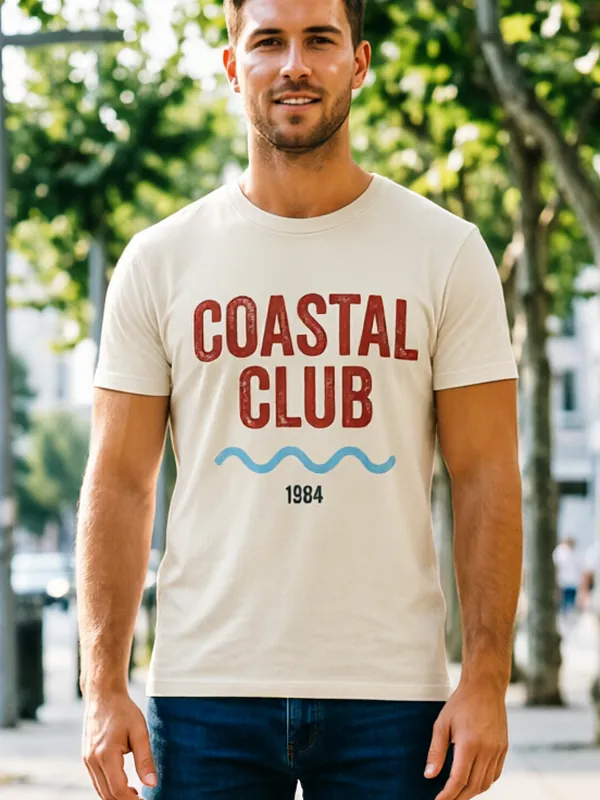
Prints and lettering
Words and graphics carry over from the product photo.
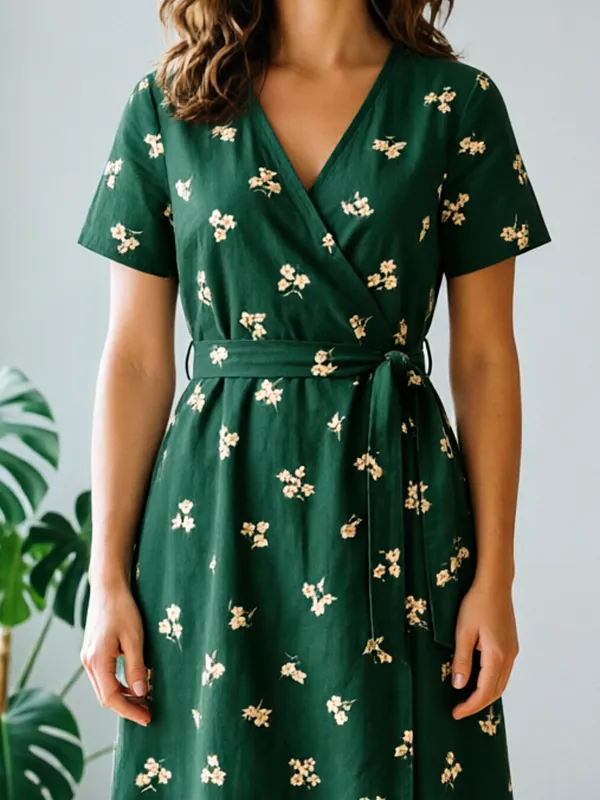
Patterns
Small prints keep their color and spacing.
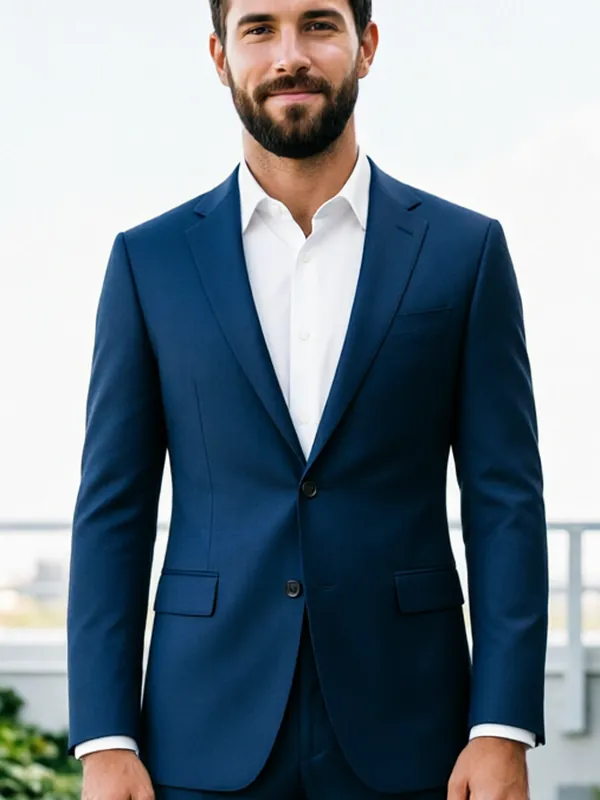
Tailoring
Lapels, collar and shirt sit where they should.
Tips for the best results
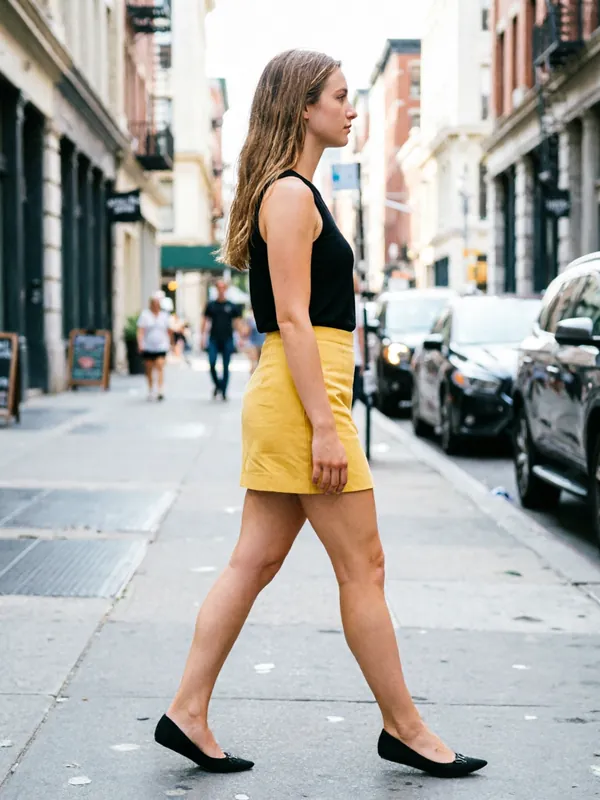

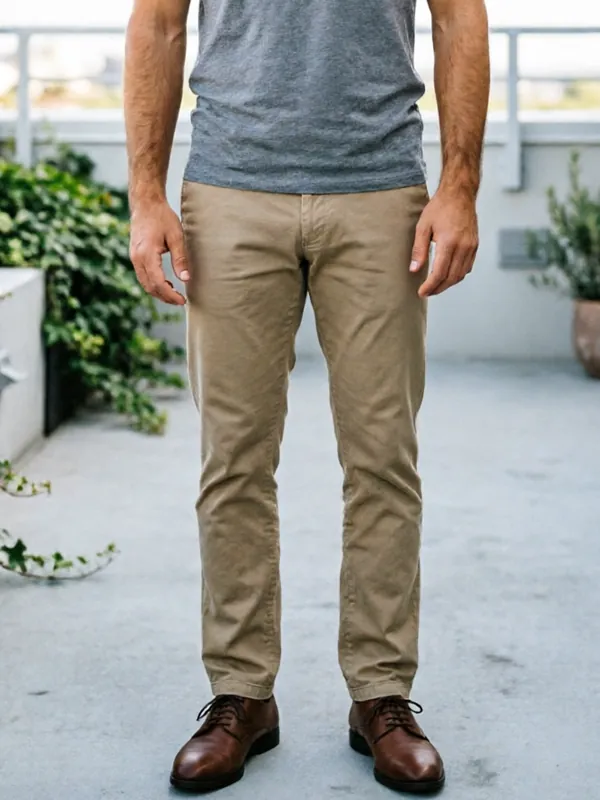
- Use a full-body photo. Head to feet in frame, standing straight, arms by your sides.
- Keep it simple. One person, plain background, even light.
- One clothing item per image. A clear product photo or flat-lay with the whole garment visible.
- Check length. The preview can differ a little from the real hem.
Your photos stay yours
We don't keep your photos or results, and we don't use them to train AI. To make your try-on, they go to Alibaba Cloud, which creates the image, and to Google through OpenRouter, which runs the safety check. Your result link stops working after 24 hours, so download the ones you like. Read the privacy policy
Frequently asked questions
What is an AI clothes changer?
It is a tool that takes a photo of a person and a picture of some clothing, and makes a new photo of that person wearing it. People also call it a clothes changer AI or an AI clothes swap.
Is an AI clothes changer the same as virtual try-on?
Mostly. "Clothes changer" usually means editing the outfit in a photo, and "virtual try-on" usually means checking how something would look on you before you buy it. QuickTryOn does both with the same two uploads.
Is the AI clothes changer free?
You get 2 free try-ons a day, while the day's free try-ons last. One-time packs for more are coming. See pricing.
Is there a free AI clothes changer that can change outfits in photos online without needing to log in?
Yes. On QuickTryOn you upload two pictures and press Try it on. The free try-ons don't need an account or a log-in, and there is no watermark on the result.
Is there an app where you can virtually try on clothes?
You don't need one here. QuickTryOn runs in the browser on a phone or a computer, so there is nothing to install.
What kind of clothes work?
Tops, shirts, dresses, jackets, coats, pants, skirts and suits, for women and men. One item per image works best, and you can combine 2 items in one try-on. Lingerie, underwear and bikinis aren't supported.
Can I change only the top or only the bottoms?
Yes. Add just that item. A top replaces the top, and bottoms replace the bottoms. A dress or one-piece replaces both.
Can I try on clothes from any online store?
Yes, as long as you have a clear picture of the item. A screenshot of the product photo is enough.
How realistic are the results?
The AI keeps your face, body and pose and matches the garment's color, pattern and print. Length and fit can still differ a little from real life.
Will it change my body shape?
It isn't meant to. The AI is told to keep your body, face and pose the same and replace only the clothing. If a result looks off, try a clearer full-body photo.
How long does it take?
About 30 seconds for one or two items. A full Studio outfit can take a little longer.
Are my photos safe?
We don't keep your photos or results, and we don't use them to train AI. The companies that process them are listed in our privacy policy.
Can I use someone else's photo?
Yes, if they agreed to it. Photos of people under 18 can't be used.